
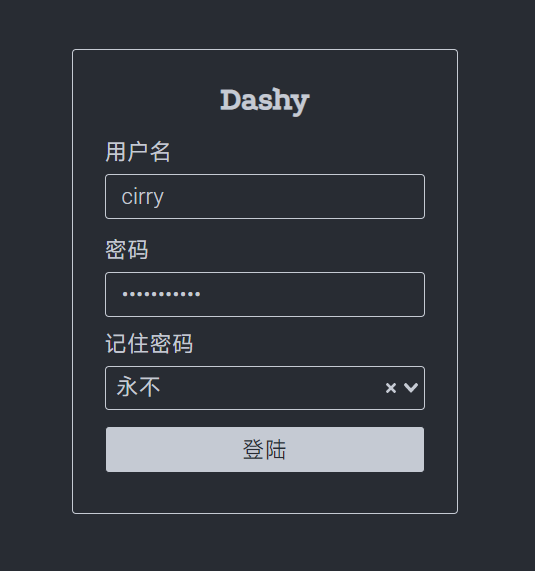
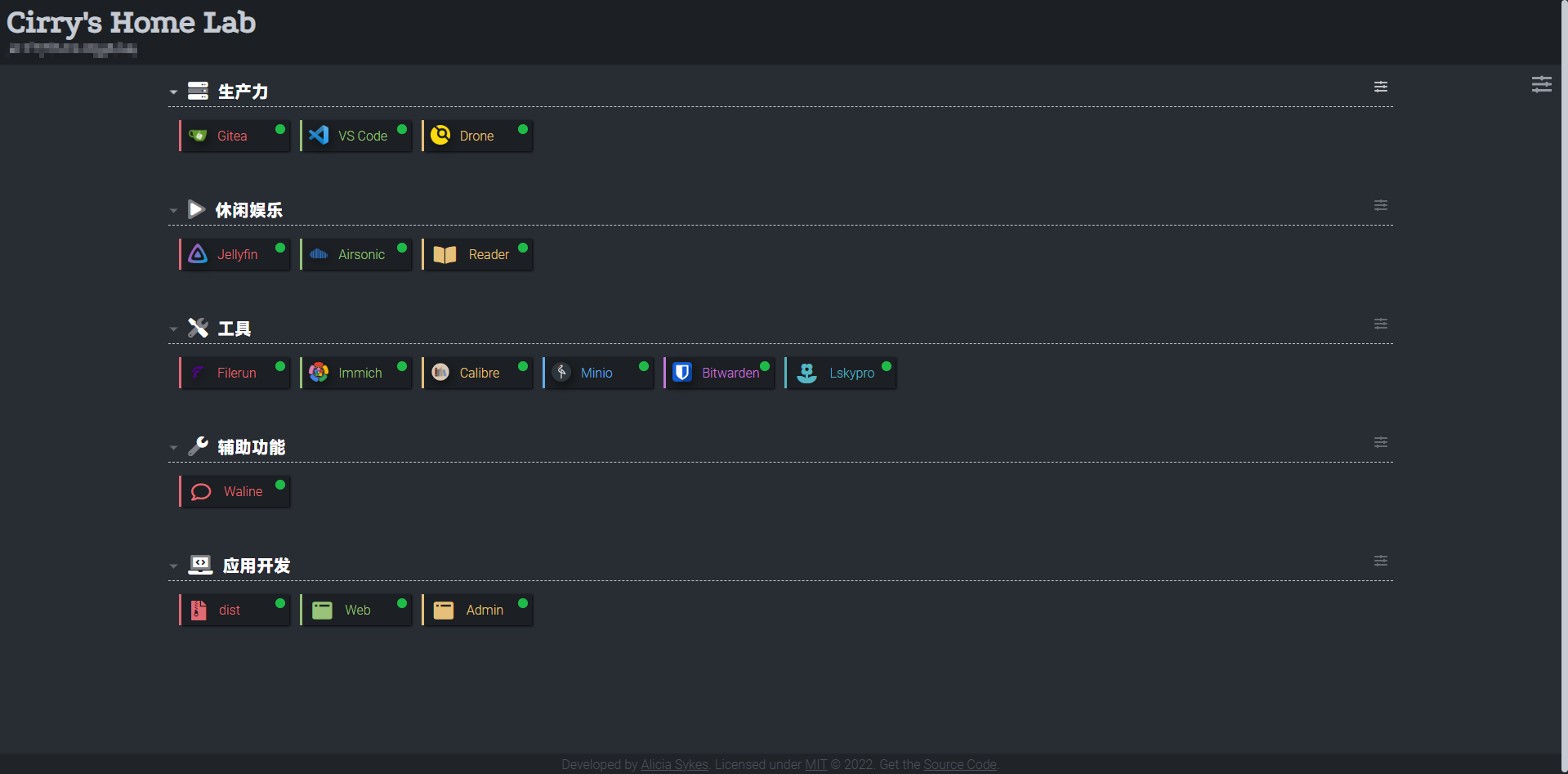
dashy是一个开源的自托管的导航页配置服务,具有易于使用的可视化编辑器、状态检查、小工具和主题等功能。你可以将自己常用的一些网站聚合起来放在一起,形成自己的导航页。
下载docker-compose
可能需要修改的地方就是volumes的挂载路径。
version: "3.8"services: dashy: # To build from source, replace 'image: lissy93/dashy' with 'build: .' # build: . image: lissy93/dashy container_name: Dashy # Pass in your config file below, by specifying the path on your host machine volumes: - ./config.yml:/app/public/conf.yml # 这个挂载路径自己修改 ports: - 4000:80 # Set any environmental variables environment: - NODE_ENV=production12 collapsed lines
# Specify your user ID and group ID. You can find this by running `id -u` and `id -g` - UID=1000 - GID=1000 # Specify restart policy restart: unless-stopped # Configure healthchecks healthcheck: test: ['CMD', 'node', '/app/services/healthcheck'] interval: 1m30s timeout: 10s retries: 3 start_period: 40s下载config.yml
appConfig: language: cn # 设置中文 auth: enableGuestAccess: false users: # 设置登录账号和权限 - user: cirry hash: d2ae9eaa37003087axxxxxxxxxxxxxxxxxxx2be34987525ef1ce55a3079de09e type: admin - user: winnie hash: d2ae9eaa37003087aggggggggggggggggggggbe34987525ef1ce55a3079de09epageInfo: title: Home Labsections: # An array of sections- name: Example Section icon: far fa-rocket17 collapsed lines
items: - title: GitHub description: Dashy source code and docs icon: fab fa-github url: https://github.com/Lissy93/dashy - title: Issues description: View open issues, or raise a new one icon: fas fa-bug url: https://github.com/Lissy93/dashy/issues- name: Local Services items: - title: Firewall icon: favicon url: http://192.168.1.1/ - title: Game Server icon: https://i.ibb.co/710B3Yc/space-invader-x256.png url: http://192.168.130.1/icon 可以配置路径,也可以配置font-awesome图标。